IntegrityStar, November 2026 edition
Responsible Data Use
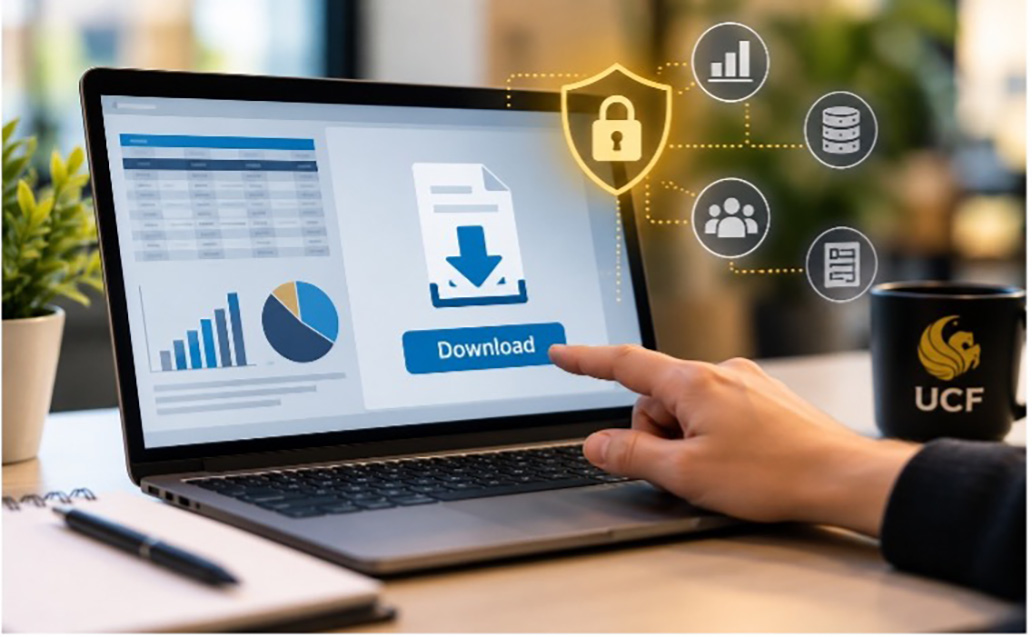 Sometimes privacy risk begins with a perfectly legitimate click: Download.
University employees often need access to information to do their jobs. We analyze trends, prepare reports, create dashboards, track outcomes, manage programs, and make decisions based on data. Tools such as Power BI, Excel, and other analytics platforms can make that information easier to understand and more useful.
But there is an important privacy distinction we sometimes overlook: Having authorized access to information does not necessarily mean we should download, copy, or store that information.
What Changes When You Download Data?
Information stored within a university system may be protected by security controls designed for that environment. Access may be restricted, activity may be logged, permissions may be managed, and information may be subject to established retention and security requirements.
When data is exported from that environment and saved somewhere else, a desktop, spreadsheet, shared folder, dashboard, or another application we have created another copy of university information that also needs to be protected.
That does not mean downloading data is always inappropriate. There are many legitimate business reasons for doing so. The important question is whether we are thinking about what happens to the information after it’s downloaded.
Before You Download, Ask a Few Questions
Start with data minimization or what you actually need.
If a report requires five data elements, do you need to export twenty? If you need information about a particular group, do you need the entire dataset? Could aggregated or less detailed information accomplish the same purpose?
Then consider where the information will go.
Is the location appropriate for the type of university data involved? Who will be able to access it? If the information is used to create a dashboard, who can see the dashboard and can users access or download the underlying data?
Finally, consider what happens when the work is finished.
Downloaded files have a way of staying exactly where we left them. A spreadsheet created for a report in March may still be sitting on a desktop in December. Over time, these copies can accumulate, become outdated, and create unnecessary privacy and security risk.
Access Is Only the Beginning
Protecting university information is not just about preventing unauthorized access. It also means being thoughtful about how much information we use, where we store it, how many copies we create, who can access those copies, and how long we keep them.
Before exporting information from a university system, take a moment to ask:
Do I need all this information?
Is this an appropriate place to store or use it?
Who else will be able to access it?
What will happen to this copy when I no longer need it?
Using university data to perform our work is often necessary. Creating unnecessary copies of that data isn’t. Sometimes protecting data is as simple as thinking before you click… Download.